

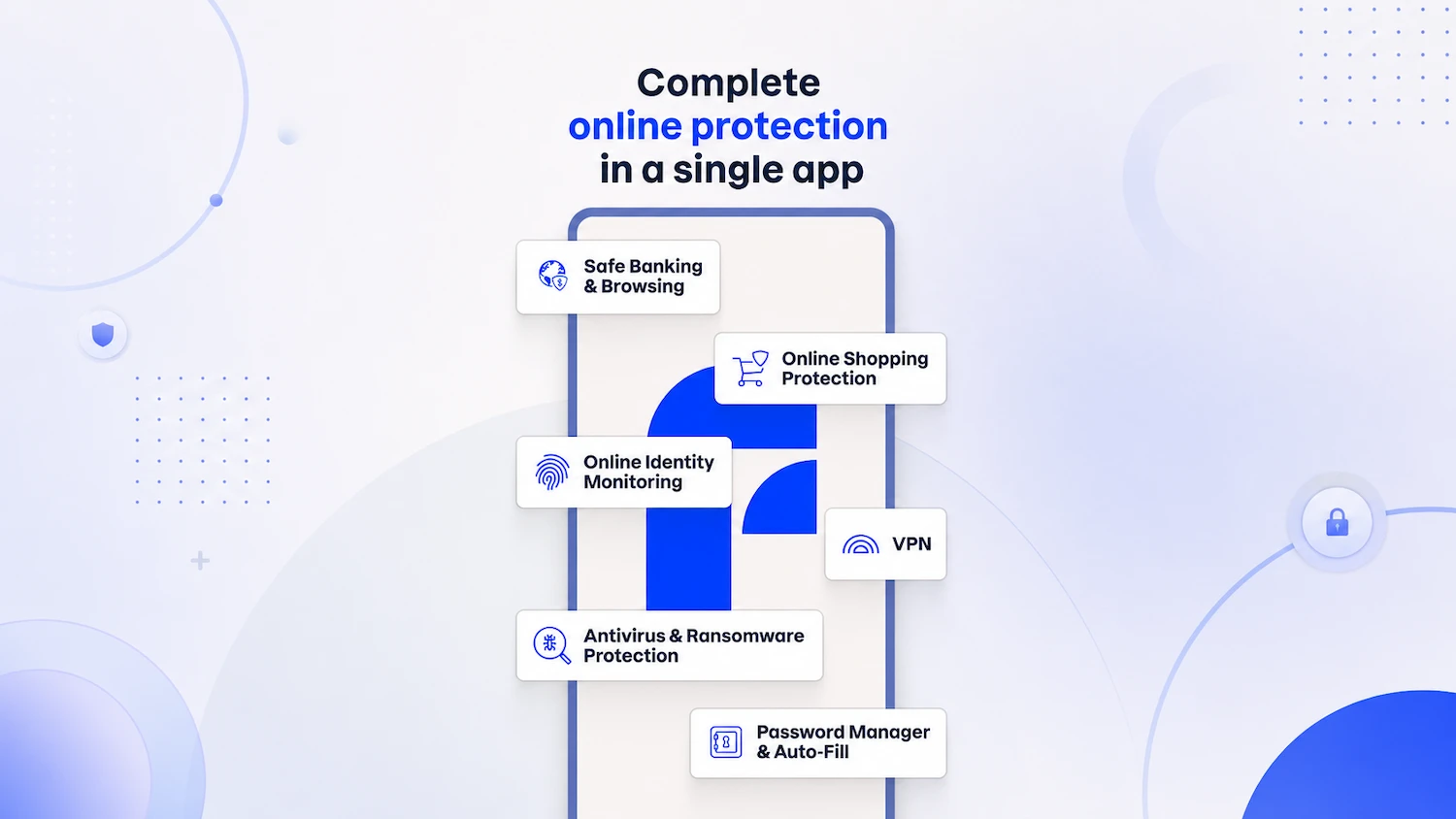
Product showcase: F-Secure Internet Security blocks phishing sites, fake stores, and SMS scams
F-Secure Internet Security protects against viruses, ransomware, spyware, infected email attachments, and other cyber threats. It focuses on securing devices and online activity through malware protection, scam prevention, safe browsing, and banking safeguards. The platform supports Windows, macOS, Android, and iOS devices under a single subscription
After downloading the Android app from the Play Store, I created an account and started using it. The setup process included enabling Device Protection, VPN, Scam Protection, and ID Monitoring. Once enabled, the app performed an initial scan of my Android device
Scam and browsing protection
Device Protection scans content in real time to identify malware, spyware, ransomware, and other threats
<img src="https://justfineinfotech.com/wp-content/uploads/2026/07/F-Secure_Internet_Security_Device_protection.webp” alt=”F-Secure Internet Security”>
Scam Protection addresses phishing attempts, fraudulent websites, and SMS-based scams. The feature monitors browsing activity and helps users avoid suspicious content. It can identify unsafe websites and online stores, block SMS scams, and use Scam Scanner to analyze screenshots of suspicious messages or websites
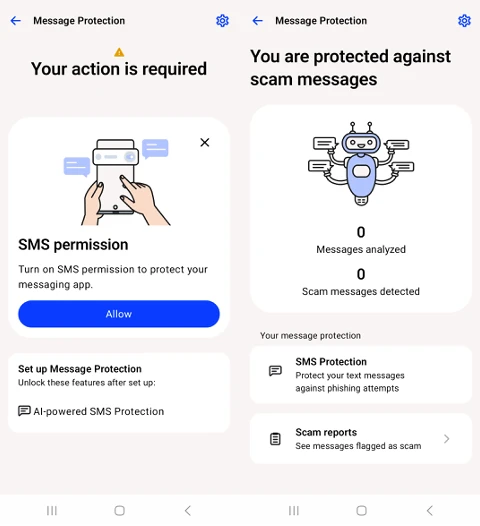
Browswing Protection blocks phishing websites, Banking Protection helps secure online banking sessions, and Shopping Protection identifies potentially fraudulent shopping sites
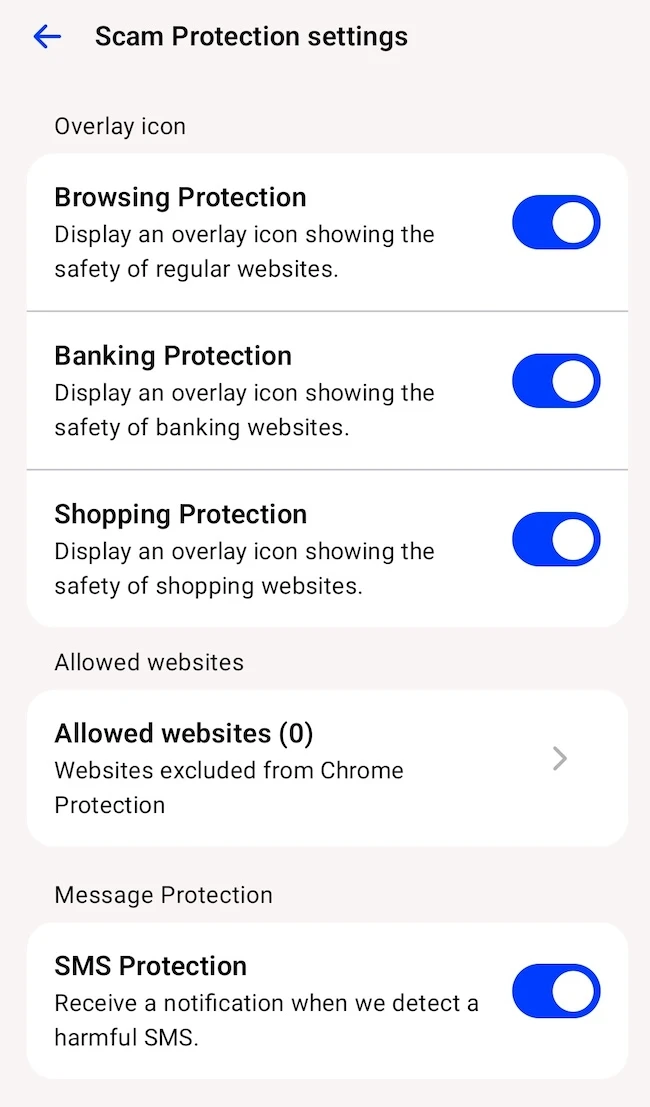
The Android app uses Accessibility Services permissions for Chrome Protection features. These permissions allow the app to access website addresses in Chrome and perform safety checks on visited pages. The permission is enabled during setup with user consent
The app adds safeguards for online banking and shopping by checking website safety during payment and banking sessions. These controls help users avoid phishing pages and fraudulent online stores that could expose credentials or financial information
VPN and privacy features
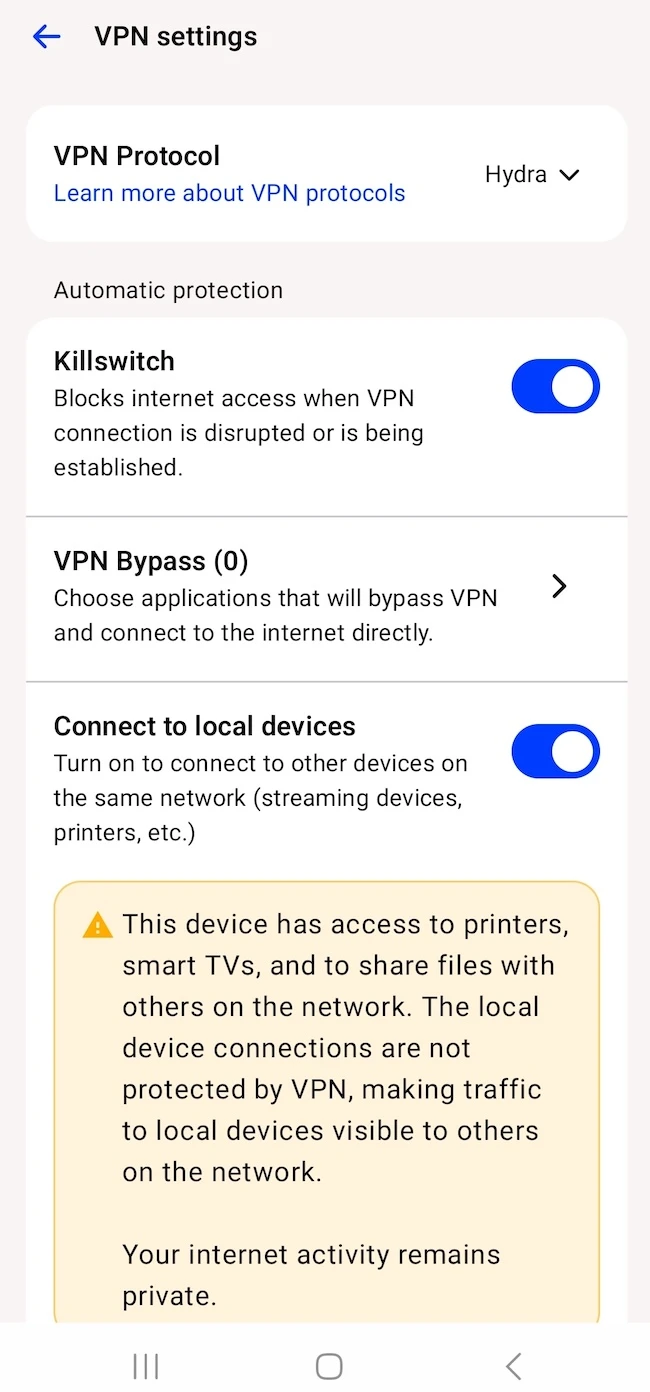
The app includes VPN functionality with traffic management options. VPN Bypass allows users to select applications that connect directly to the internet without routing traffic through the VPN. A Killswitch feature blocks internet access if the VPN connection is interrupted
ID Monitoring tracks whether personal information appears in known data breaches and sends alerts when monitored information is exposed. Users can monitor email addresses and receive notifications if their information appears in leaked datasets
Conclusion
F-Secure Internet Security’s setup process is straightforward, and its features continue running in the background after activation. Users looking for mobile protection against phishing attempts, SMS scams, and risks tied to everyday online activity will find a range of security tools in a single app
More about
Related:
Digital Automation Training Benin: 5 Winning Skills Employers Demand in 2026
<a href="https://yoursite.com/automation-africa/" title="WhatsApp Marketing Automation Africa: 6 Dangerous Mistakes Brands Make in Nigeria”>
WhatsApp Marketing Automation Africa: 6 Dangerous Mistakes Brands Make in Nigeria
Want to learn this practically?
Join Justfine Infotech and build real digital skills in AI, automation, web development, digital marketing, office productivity, e-commerce, freelancing and cybersecurity.
Available Programmes:
6 Weeks Certificate • 3 Months Professional Certificate • 6 Months Diploma • Full Professional Diploma
WhatsApp:
+229 01 57 57 99 15
+229 01 66 68 11 60
Source: www.helpnetsecurity.com


 English (UK)
  Français