

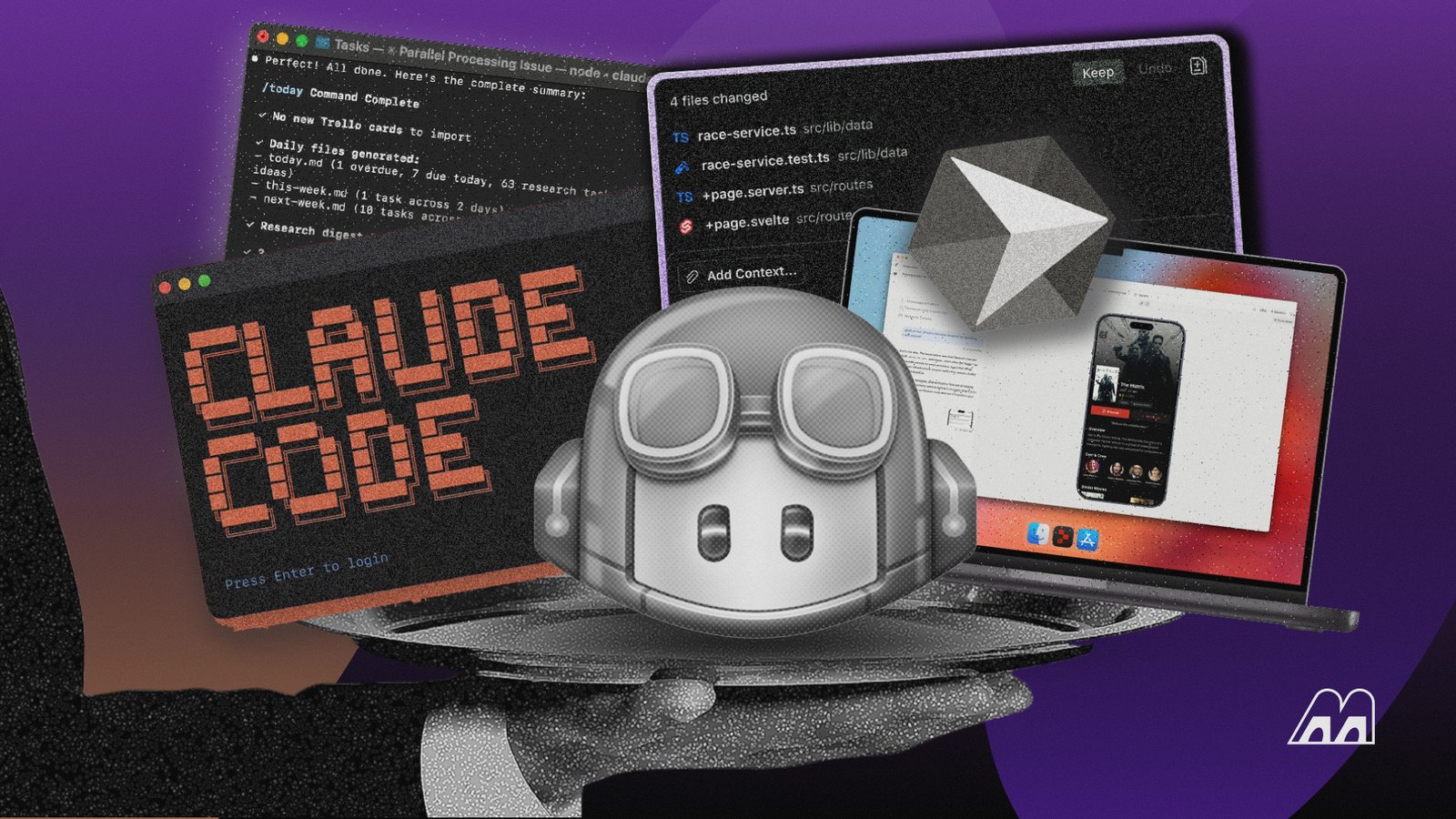
AI-assisted development is becoming standard, with84% of developers now using or planning to use AI tools, up from 76% last year. Agent-based tools are also gaining traction, with about 70% of users saying they reduce time spent on specific development tasks. We tested theleading AI coding assistantsacross common development tasks to see which ones actually save time and where they still need close supervision.
What Makes the Best AI Coding Assistant?
Not every code generation tool on this list solves the same problem. We looked atcode quality, context handling, multi-file editing, agent autonomy, debugging, testing, IDE integration, model choice, and developer control. We also paid attention to how much cleanup was needed after the AI finished.
For developers, the strongest tools tend to share a few characteristics:
- Context awareness:Can it understand the existing project instead of treating every file as an isolated prompt? The strongest tools provide context aware code suggestions that account for surrounding functions and dependencies.
- Reasoning:Can it explain its approach and make sensible decisions when the task isn’t explicitly spelled out?
- Agentic AIcapabilities:Can it inspect files, run commands, modify code, and test its own work?
- Editing accuracy:Does it make targeted changes without unnecessarily rewriting working code?
- Developer control:Can you review, reject, or modify proposed changes before they become part of the project?
- Workflow integration:Does it work naturally with your IDE, terminal,GitHub, pull requests, and existing development process?
From our perspective, the best AI coding assistant isn’t necessarily the one with the longest feature list. It’s the one that fits into the way you already build software, whether that means traditional writing code, rapid prototyping, debugging, or more autonomous code development.
Top AI Coding Tool by Workflow: Quick Comparison Table
| Tool | Best For | Free Plan? | Starting Price | Standout Strength |
| GitHub Copilot | Overall coding help | Yes | $4/user/month | Broad IDE and GitHub integration |
| Cursor | AI-native development | Yes | $20/month | Deep codebase context and agentic editing |
| Claude Code | Complex autonomous tasks | Yes (for everyone) | $17/month billed annually | Strong reasoning and terminal workflow |
| Devin Desktop | Agent management | Yes | $20/month | Local and cloud agent workflows |
| Amazon Q Developer | AWS development | Yes | $19/month/user | AWS-specific assistance |
| Tabnine | Privacy-conscious teams | No | $39/user/month billed annually | Enterprise controls and private deloyment |
| Cline | GitHub issue-to-PR workflows | Yes | $0 + API cost | Open-source, model-flexible agent |
| Gemini Code Assist | Google ecosystem | Yes | $19/user/month billed annually | Google Cloud and Gemini integration |
| Codeium | Free AI coding | Yes | Free | Generous developer-focused free access |
Best AI Coding Tools in 2026 Reviewed
We put all nine tools throughpractical coding workflows, looking beyond autocomplete to see how they handled tasks such as generating functions, debugging errors, understanding existing code, making changes across files, and working through larger development requests.
1. GitHub Copilot
Best for:Developers who want capable AI help across coding, debugging, documentation, and GitHub workflows without rebuilding their development environment.
GitHub Copilotremains our easiest recommendation for developers who want helpful AI assistance without having to rethink their entire development setup. It works across popular IDEs and GitHub itself,covering inline code suggestions, chat, code explanations, debugging, documentation, and increasingly agentic workflows. It can function as a primary coding assistant for everyday tasks while still providing real time code suggestions as you work.
During our testing, Copilot felt particularly natural for everyday development. We could start with an existing function, describe what we wanted to change, review the suggested implementation, and accept or reject individual edits without leaving the editor. Asking it to explain unfamiliar code was equally smooth, and the suggestions generally became more useful once we gave it the surrounding context and specific constraints.
Hands-On Test
We used Copilot togenerate a small Python functionand modify an existing function after adding new requirements. The inline suggestions appeared directly alongside the code, so we could accept, reject, or adjust them without breaking our workflow. It handled direct implementation particularly well, while the more complex changes benefited from giving it additional context about the surrounding code. We also found its ability to explain existing code useful when working through unfamiliar logic. ItsAI-powered code completionwas particularly helpful for repetitive implementation work.
2. Cursor — Best AI-Native IDE
Best for:Developers who want an AI-first coding environment with deeper awareness of their codebase.
Cursoris an AI-first code editor built around the idea that AI should be part of the development environment, not simply an add-on. FollowingSpaceX’s acquisition of Cursor in August 2026, the editor now sits within a broader AI ecosystem that also includes xAI and Grok. Its features includecode generation, editing, chat, codebase understanding, and agent-style workflowsthat can make changes across multiple files.
We found it particularly useful for developers who want an AI assistant with deeper context about an entire project. Since Cursor is based onvisual studio (VS) code, developers familiar with that environment won’t need to learn an entirely new editor.
Hands-On Test
We gave Cursor a multi-file task that needed understanding how several parts of a small project connected before making changes. Its ability toreference surrounding codemade the process feel considerably more contextual than simple autocomplete. We could describe the change in natural language and continue refining them from the same interface. The strongest part was handling changes that crossed file boundaries. We still reviewed each modification before accepting it, particularly where the requested change affected existing application logic.
3. Claude Code — Best for Autonomous, Complex Tasks
Best for:Developers comfortable working in the terminal who need an AI agent for larger, multi-step engineering tasks.
Claude CodeisAnthropic’s terminal-based coding agent, designed to handle development tasks that need more than generating individual snippets. It can inspect a repository, understand relationships between files, modify code, run commands, and work through several steps toward a requested outcome.
We found it best for developers who are comfortable giving an AI agent greater responsibility over their workflow. Its terminal-first design also makes it a natural fit for engineers who prefer working directly with Git, shells, and existing project tooling.
Hands-On Test
We gave Claude Code a repository-level task that needed it to inspect the existing project, identify the relevant files, make the requested changes, and run checks afterward. The agent spent timeexamining the codebase before making edits, which helped it work with the existing structure instead of immediately generating disconnected code. It also returned to the task after seeing command output, giving us a better example of its autonomous workflow.
4. Windsurf (Now Devin Desktop)
Best for:Developers who want an AI-native development environment with greater emphasis on agent-based workflows.
Windsurf, now known asDevin DesktopfollowingCognition’s acquisition of the product, is an AI-native development environment designed to give AI a more active role in the coding process. Its editor combinesproject-aware code generation, editing, chat, and agent capabilitiesthat can work through multi-step development tasks.
The transition to Devin Desktop reflects Cognition’s broader focus onAI agentsthat can take on more of the development workflow. During our testing, the platform felt most useful for developers who want an AI-assisted IDE that can move beyond autocomplete and actively work through changes across a project.
Hands-On Test
We used Devin Desktop on a coding task that needed the assistant to understand existing project files before making changes. The workflow gave us a useful look at how an agent handles development beyond a single prompt. We could review the changes it proposed and follow the work through the development environment rather thanmanually moving snippets between achatbotand editor. The experience was most useful when the task had several connected steps. Simpler coding requests didn’t benefit as much from the additional agent-oriented workflow.
5. Amazon Q Developer — Best for Enterprise/AWS Teams
Best for:AWS-heavy development teams that want coding assistance with deeper knowledge of Amazon’s cloud environment.
Amazon Q Developeris Amazon’s AI coding assistant for developers working across software projects and the AWS ecosystem. It cangenerate and explain code, help troubleshoot problems, assist with AWS services, and support developersworking inside common development environments.
Its biggest appeal is the connection to AWS, where understanding cloud services and infrastructure can matter as much as producing code. We found it most relevant for teams already invested in AWS and looking for coding assistance that fits naturally into that environment.
Hands-On Test
We focused our testing on an AWS-related development scenario, asking Q Developer to explain the code involved and help work through an implementation connected to AWS services. We found thestrongest responses came when the task involved the AWS ecosystem itself, where generic coding assistance wouldn’t necessarily provide the same context. We found it less compelling for completely platform-agnostic programming, where several other tools on our list offered comparable coding help. Teams already working heavily with AWS are likely to get more value from the additional ecosystem context.
6. Tabnine — Best for Lightweight/Air-Gapped Use
Best for:Privacy-conscious development teams, regulated organizations, and environments where deployment control matters.
Tabninetakes a moreenterprise-oriented approach to AI-assisted coding, with an emphasis on privacy, deployment flexibility, and organizational control. That positioning matters for teams working with sensitive
Still, Tabnine isn’t the tool we’d choose purely for the most aggressive agentic coding experience. Its appeal is stronger when governance and control carry as much weight as raw AI capability
Hands-On Test
We used Tabnine for everyday coding assistance, including completing functions and generating code from short descriptions. The experience was more focused than theagent-first tools, which made it easy to understand what the AI was suggesting without handing over a larger development task. We found that useful for developers who want assistance while retaining tighter control over the coding process.
7. Cline — Best for GitHub Issue-to-PR Workflow
Best for:Developers who want an open, configurable coding agent and don’t mind managing the underlying model setup.
Clineis particularly interesting for developers who want an open-workflow. Rather than locking you into one AI provider,Cline can work with different models through supported providers and APIs. That makes it easier to experiment with models based on cost, capability, or availability
The issue-to-PR workflow is where it becomes particularly useful. You can give the agent a defined development task, allow it to inspect the repository, make changes, run commands, and work toward a completed change that you can review before merging. That flexibility comes with more configuration than a polished commercial IDE. You’ll spend more time setting things up, but you also get more control over how the system behaves.
Hands-On Test
We gave Cline a development task based on a defined change and allowed it to inspect the relevant project files before working through the implementation. The best part was being able tofollow the agent’s reasoning through the development processand review its proposed actions along the way. It didn’t feel like handing an entire project to a black box. We could intervene, adjust the request, and inspect the resulting changes before moving forward.
8. Gemini Code Assist
Best for:Developers using Google Cloud, Google tooling, or Gemini who want coding assistance within that ecosystem.
Gemini Code Assistmakes the most sense fordevelopers already invested in Google’s development ecosystem. It brings Gemini-powered assistance into coding workflows while connecting naturally with Google Cloud services
Our experience with it was strongest for conventional coding assistance, explanations, refactoring, and generating code from natural-language instructions. The Google ecosystem becomes a bigger advantage when your development workflow already involves Google Cloud. It’s also an attractive option for developers looking for a capable AI coding assistant without immediately committing to another paid subscription.
Hands-On Test
We used Gemini Code Assist for code generation and debugging tasks, then asked it to explain why an existing implementation was producing an unexpected result. The responses were most useful when wesupplied enough surrounding context for the assistant to understand what the code was supposed to accomplish. We also tested it on a new function request and found the generated starting point useful, although we still had to inspect the implementation for edge cases. Developers already using Google Cloud can get more from the tool than someone looking only for a general-purpose coding assistant.
9. Codeium
Best for:Developers looking for the best free AI coding tool without committing to a more expensive AI-native development stack.
Codeium, now part of the Windsurf product family, has built its reputation aroundmaking AI coding assistance accessible without forcing every developer into a paid subscription. That makes it particularly interesting forstudents, hobbyists, and developers experimenting with AI coding for the first time
The experience covers the essentials you’d expect from a modern coding assistant, including autocomplete and conversational assistance. It doesn’t always feel as deeply integrated into complex agentic workflows as Cursor or Claude Code, but that’s not necessarily a drawback
Hands-On Test
We used Codeium for a mix of code completion, function generation, and code explanation tasks to see how it handled routine development. It wasquick to turn plain-language instructions into usable starting points, and the completion workflow fit naturally into the editor. We found it most useful for speeding up repetitive coding and getting an initial implementation on the page. More complicated tasks still needed careful review, particularly when the requested change depended on existing project architecture.
Should You Trust AI-Generated Code?
You should trust AI-generated code about as far as you’d trust code written by another developer whose work you haven’t reviewed yet. AI coding tools are remarkably good at producing syntactically valid code, following familiar patterns, and implementing straightforward features. The difficult part comes when thetask depends on business logic, security assumptions, or unusual edge casesthat aren’t obvious from the prompt.
A generated function can pass a basic test while still handling an edge case incorrectly. AnAI agentcan also make a technically valid change that doesn’t fit the architecture of the rest of the application. We’d pay particular attention to:
- Authentication and authorization:Verify that users can access only the accounts, features, and data they’re actually permitted to use.
- Payment processing:Review calculations, transaction states, refunds, and error handling carefully since small mistakes can have direct financial consequences.
- Database migrations:Check that schema changes preserve existing data and won’t cause unexpected problems when deployed to production.
- API security:Make sure generated endpoints properly handle authentication, authorization, rate limits, secrets, and unexpected requests.
- Dependency changes:Review new packages and version updates for security risks, compatibility problems, and unnecessary additions to your project’s dependency tree.
- User-input validation:Confirm that every external input is validated and sanitized before your application processes or stores it.
- Error handling:Make sure failures are handled deliberately rather than exposing sensitive information or leaving the application in an inconsistent state.
- Infrastructure configuration:Review generated changes to servers, cloud resources, permissions, networking, and deployment settings before applying them.
- Changes affecting production data:Treat anything that can modify or delete live data as high risk and need testing, backups, and human approval before deployment.
How to Build Your AI Coding Stack
You don’t need nine AI coding tools installed on your machine. Most developers will get better results by choosing one primary assistant and adding specialized tools only when they solve a specific problem.
Choose One Primary Coding Assistant
Start by picking the tool that will handle most of your daily coding. For many developers, that means choosing between an IDE assistant such as GitHub Copilot, an AI-first editor such as Cursor, or a terminal-focused agent such as Claude Code. Your primary tool should fit naturally into how you already write, test, and review code.
Match the Tool to Your Development Environment
Your existing environment should heavily influence your choice.Developers working primarily in VS Code may benefit from an extension that adds AI without changing their setup. Those willing to move into an AI-native editor can get deeper context and agent features from tools such as Cursor. Terminal-heavy workflows call for a different approach. Reducing friction matters because an assistant you rarely open won’t meaningfully improve your productivity.
Add an Agent for Larger Coding Tasks
Agentic coding tools become more valuable when a task crosses multiple files or needs several steps. You might ask an agent to trace a bug, update an API integration, add tests, or implement a feature across an existing codebase. The advantage isgiving the tool enough autonomy to inspect context, make related changes, run commands, and iterate. You should still review the resulting diff and test behavior before merging.
Keep a Terminal Tool in Your Stack
A terminal-based coding assistant can complement an IDE rather than replace it. Tools such as Claude Code are useful when your work already revolves aroundGit, shell commands, package managers, test runners, and deployment scripts. You can ask the agent to inspect a repository, diagnose failing tests, or make coordinated changes without constantly switching applications. This setup works particularly well for developers who prefer understanding and controlling their environment from the command line.
Build Around Your Security Requirements
AI coding tools can interact with source code, repositories, terminals, and development environments, so security should influence your stack from the beginning.Check how a tool handles your code, what permissions it requests, and whether your organization has rules around AI-assisted development. Keep sensitive credentials out of prompts and repositories, and avoid giving an agent broader access than it needs. For professional projects, your security requirements should narrow your choices before convenience does.
Measure Productivity Before Adding More Tools
Give your stack enough time to prove its value. Track whether you’re actually completing work faster, spending less time on repetitive tasks, or debugging more efficiently.Pay attention to less obvious costs too, such as reviewing poor suggestions, correcting generated code, switching between tools, or managing overlapping subscriptions. A smaller stack that consistently saves you time is usually more valuable than a collection of impressive AI products that rarely make it into your workflow.
Final Verdict
After weeks of testing,GitHub Copilot is still the easiest recommendation for most developers starting with AI coding tools. It works across a wide range of IDEs, offers a genuinely useful free tier, and gives you access to multiple models without forcing you into one ecosystem. Claude Code and Cursor were the strongest options we tested for agentic work, particularly for multi-file changes, debugging, planning, and tasks that need the tool to understand a larger codebase.
Amazon Q Developer makes the most sense for developers already working heavily with AWS, while Gemini Code Assist is a natural fit for teams invested in Google’s development ecosystem. Tabnine stands out more for organizations that prioritize privacy, security, and enterprise controls than for developers looking for the most capable general-purpose coding agent
For developers on a budget, Cline and the Windsurf Plugin are worth a look too. Cline’s bring-your-own-key approach gives you flexibility over model and API costs, while Windsurf’s free completions can cover everyday coding without another subscription. You don’t need to adopt all of these tools. Pick the one that fits the way you already work, learn its strengths and limitations, and add another tool only when you can point to a problem it will solve.
Which is the best tool for AI coding?
GitHub Copilot is one of thestrongest all-around AI coding tools, while Cursor and Claude Code are better suited to developers who want deeper agentic workflows. The best option depends on your IDE, preferred workflow, budget, and how much autonomy you want the AI to have
Which AI is most used for coding?
GitHub Copilot is among themost widely adopted dedicated AI coding assistants, particularly because it integrates directly with GitHub and major development environments. Adoption varies by developer community, company, IDE, and region
Is Claude or ChatGPT better for coding?
Neither is universally better. Claude is particularly strong for complex coding and agentic development workflows, while ChatGPT offers broader capabilities across coding, analysis, research, and general problem-solving
Is ChatGPT good at coding?
Yes.ChatGPT is capable of generating, explaining, debugging, refactoring, and reviewing code. Its usefulness as an AI coding agent depends heavily on the quality of the context you provide and the amount of testing and human review applied to the resulting code
Which AI is better for coding, Gemini or Claude?
Claude is often thestronger choice for complex coding and longer development tasks, while Gemini can be particularlyuseful for developers already working within Google’s ecosystem. The better option depends on your preferred tools and development environment
Related:
<a href="https://yoursite.com/automation-training-benin/” title=”Digital Automation Training Benin: 5 Winning Skills Employers Demand in 2026″>
Digital Automation Training Benin: 5 Winning Skills Employers Demand in 2026
WhatsApp Marketing Automation Africa: 6 Dangerous Mistakes Brands Make in Nigeria
Want to learn this practically?
Join Justfine Infotech and build real digital skills in AI, automation, web development, digital marketing, office productivity, e-commerce, freelancing and cybersecurity.
Available Programmes:
6 Weeks Certificate • 3 Months Professional Certificate • 6 Months Diploma • Full Professional Diploma
WhatsApp:
+229 01 57 57 99 15
+229 01 66 68 11 60
Source: memeburn.com


 English (UK)
  Français